


User Manual
Import from Google Drive
Usin' Google Drive be a grand way t' import files that ye share and work on collaboratively online, Arrr! Choose th' Google Drive option in th' Add Songs screen t' pick files from yer Google Drive, matey.
Authorization
Each time ye import, Google asks ye t' choose yer Google account and allow OnSong t' open th' files ye pick. OnSong can only open th' files ye choose. It can't see anythin' else in yer Google Drive, so there be nothin' t' sign out o' afterward, savvy?
Choosin' Files
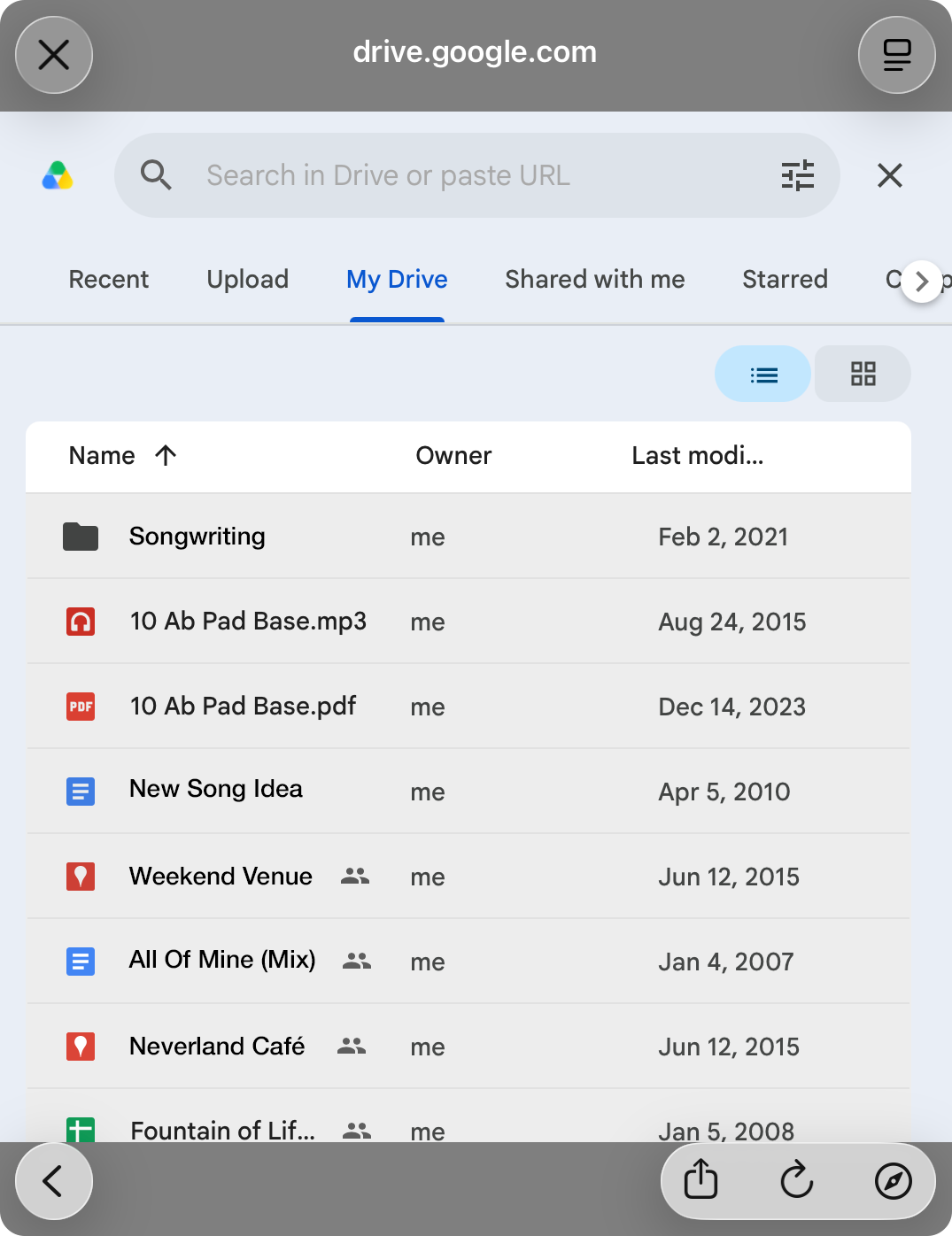
After ye sign in, Google's file picker opens inside OnSong. Browse or search yer Google Drive, select one or more files, and confirm yer selection, ye scallywag.
Importin'
Th' files ye chose download and import right away, with th' progress shown in th' upper right corner, Blimey! If ye choose a file that was already imported, OnSong will have ye choose an action t' take on th' duplicate file. Once th' import be finished, ye be returned t' th' All Songs screen.
T' import more files later, choose Google Drive again from th' Add Songs screen, matey.


