


Read The Bleepin’ Manual
Yoink from Google Drive
ZOMG, Google Drive! 'Cause nothin' says "let's get organized" like cloud storage, amirite? Pick the Google Drive option from the Stuff Your Face with Songs screen & watch the magic happen (or just watch files move around real slow).
Let Google Spy On You (But Like, Chill)
Every. Single. Time. you import, Google's like "yo, which account tho?" & OnSong's like "cool cool, lemme just peek at these files you're lettin' me see." OnSong's super respectful — it literally can't see your bleepin' Google Drive except the stuff you hand-feed it. No sneaky background snooping. No awkward sign-out screen. You're welcome.
Pickin' Your Songs (The Hard Part)
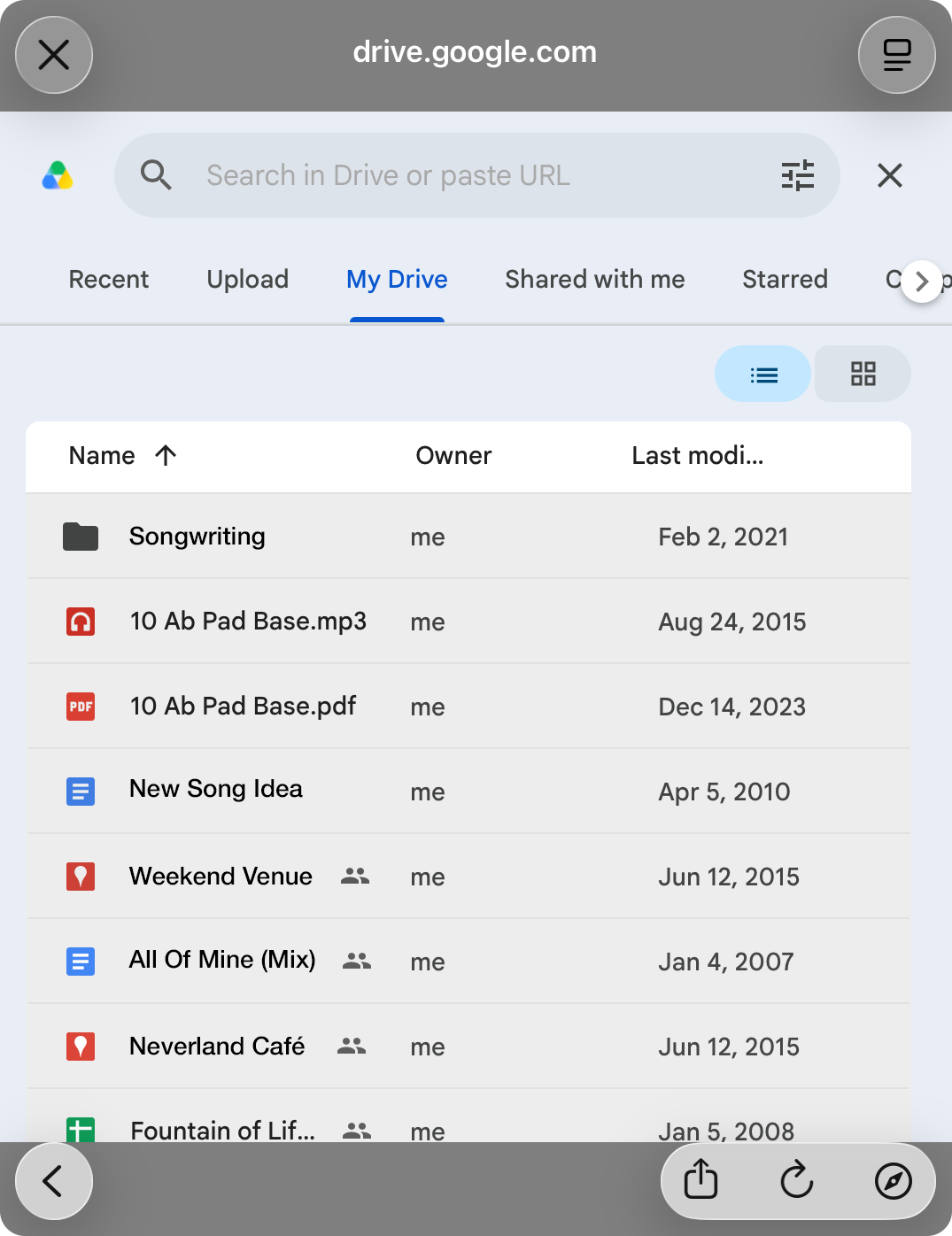
You log in, Google's file picker pops open inside OnSong (fancy!), & then you get to play the "where did I save that thing?" game. Browse, search, click stuff, select like five files at once if you're feelin' spicy. Done? Confirm it & move on with your life.
Let's Do This
Your files download & import faster than you can say "why didn't I do this earlier?" Watch the progress bar in the upper right corner live its best life. Pro tip: if you accidentally pick a file you already imported, OnSong's gonna ask you what you wanna do with the duplicate (replace it? keep both? existential crisis?). Peep the options. Once you're done, poof, you're back on the All Your Jams screen.
Wanna import more later? Yeah, just grab Google Drive again from Add Songs. We'll be here. Waiting.


